BenQ GP520 Review: Is This The Most Premium 4k Projector?
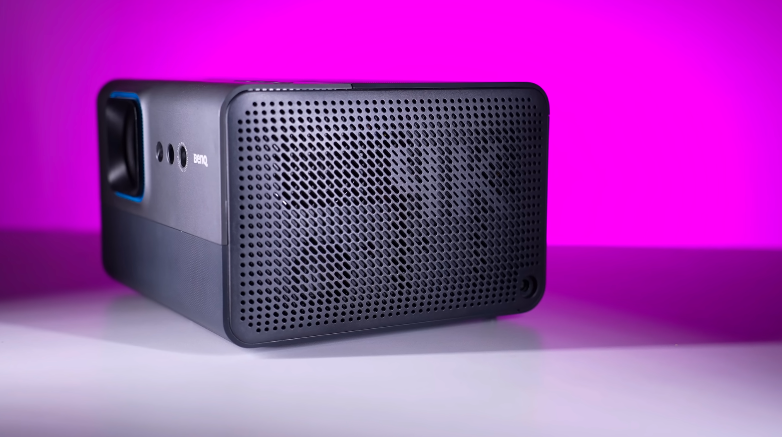
Table of Contents
Intro:
This is BenQ’s GP520 4K projector, with an Android operating system, HDR and picture quality that is amazing. We will cover all the things like multimedia, gaming, features, and we can watch movies in 3D. We will tell you everything about this projector in this review.
Build and Design:
At the top of the projector, We get a 1.4 inches tripod mount, Which means you can mount it on the ceiling or something like that And in front of it, We get a power button, Bluetooth button, Volume up/down button and 2 sensors, One is ambient light sensor and the other is infrared light sensor And on the left and right, We get speakers and with these speakers, There are air intake vents as well.
The 4K projector and lamp are working, so it remains cool and maintains. ned. And in front, we will get a projection lens. Along with it, there are 3 sensors, of which the first is our time of flight sensor Second is our IR remote sensor And third is our auto focus sensor.
Ports:
At the bottom, we get a tripod mount, and at the back, we have a mount and ports. The weight of the projector is 3.7 kgs, and if you use an adapter, it weighs around 5 kgs. So, if you travel, you have to carry the projector with you. The 5 kgs weight is managed in a backpack. And on all three sides, we get a tripod mount. You can mount it in any way. You can mount it in front, Upward direction, inverted or in ceiling direction.
On the back side, there is a USB 2.0 port, which is used for service or firmware updates. There is another USB 2.0 port in which you can put up to 32GB of storage. It detects external storage up to 32G, and if you put any storage above thatitIt asks you to format it to convert itinton internal storage. If you are using a 32GB pen drive th, then you can load movies or songs in it. People use USB very rarely, .owadays, it works like HDMI, mirroring, OTT, Android, and Google TV. There is a Type-C port which supports PD output up to 18W.
If you connect any device through Type-C, you can charge it with power. This port also supports display output. It supports my maximum of m 4K 60 FPS. And if you connect any laptop, Smartphone or any handheld, you can do the projection through it. And it has an HDMI 2.1 port, which supports 4K 60 FPS. If you connect a gaming console, it supports 2.1, so you will get ALM support. And it has another HDMI 2.1 port, which is EAA. It supports ARC, too. If you want to connect a soundb, then you will need atheatrer system. You don’t have to spend a lot of money to make a theatre system. That’s why it is good to watch movies at home. It has a 3.5mm aux port for headphones and speakers.
Remote:
You get a remote,e and if you don’t want to use a remote, you get an application called Smart Remote, through which you can control your projector through your smartphone. It has a power button profile button, a nd rrow keys. You can pause the video and watch all these things.
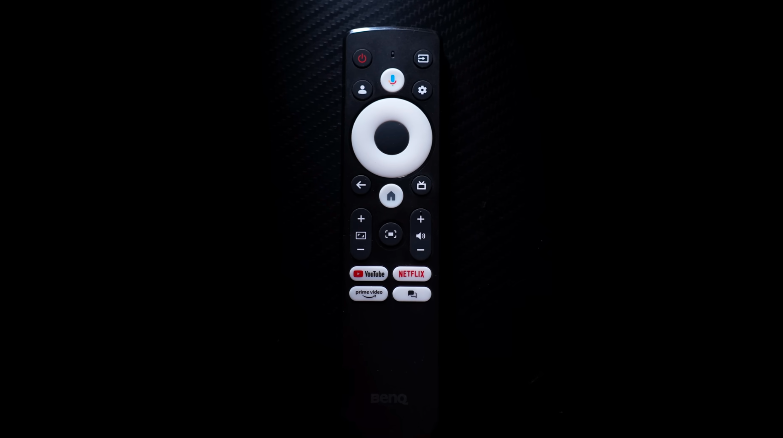
It’s remote supports IR and Bluetooth. It is connected through Bluetooth, so it has a longer range in any direction. But if it is not connected through Bluetooth, then it will work through an infrared sensor, which we get in the top and front, but it has to be remote towards the projector.
Specifications:
It has WiFi 6, Bluetooth version 5.2, 2GB RAM, 16GB internal storage and you can cast your phone. You have to cast Android, iOS, and in iOS, YouTube stops working because of HDCP support. But now it is only working in iPhone, Android, Google TV and Bluetooth is the re so you can connect any speaker, Headphone or TWS through Bluetooth.
OS and OI:
Android 11 is out of the box, and it is a proper Google TV with Netflix. Usually, Google TV OS does not have Netflix, nd it is not a proper experience of Google TV. You can install applications, and you get support from Google Assistant. The best part is that the operating system of Google TVis customisedd according to this projector.
You have to select the input separately, and the operating system settings are different. No, you will get all the settings in the Google TV OS if you want to see the settings of any projector. And as the smoothness of Google TV is sometimes iorks well, and sometimes we get lags and stutters. Like Netflix is open, if you click on the settings icon and want to change the picture or sound settings, it opens in a little while. Sometimes it stops, and you have to turn down the volume.
Key Features:
Now, let’s talk about the auto focus. It has a good auto focus. If you move the projector a little bit, it automatically sets the focus in 3-4 seconds, and you get a button on its remote. If you press it, it automatically does keystone correction. If the projector is straight, then it is doing it. Adjusting the projection is done automatically, Yso youdon’t have to do that. If you want to do that, you can do digital zoom, Zoom in and out, or you can do image reposition Left to right, top to bottom.
But mainly, Keystone and focus are used. In which there is a blur on the side, and nothing is set. You don’t have to worry about that. Why do you have to give so many sensors? You get different picture modes like auto cinema, HDR auto cinema, and Band right. Itoptimisess the content depending upon the content,t, and it has auto-smootheningon which is not available in MEMC. It does 60 FPS content with 30 FPS content.
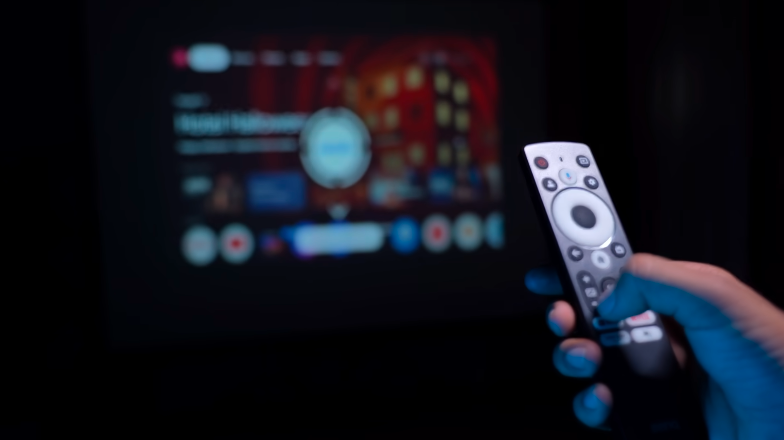
And for gaming, you get game mode boost and screen brightness mode, which have normal, eco, dynamic, and custom. You also get smart eye protection, in case there is a projector on the screen.
If you come in front of the projector, then automatically the smart eye protection turns o,,n and its brightness decreases. If you are watching a video for kids, then it will be useful. And you also get an obstacle avoidance feature.e, If you keep it on and if there is an obstacle in between, then its projection shifts automatically and becomes smaller in the area where you are facing an obstacle.
Speakers:
You get 12W dual speakers. What a great sound quality it has. It has a very loud feel and if you are watching this alone or with 2-3 people You don’t want a loud sound, You can enjoy the content on this speaker itself Yes, If you want a cinematic feeling, You won’t get that feeling in a soundbar and woofer But still, Its speakers don’t disappoint And this projector comes with the support of Dolby Atmos.
If you are using any Dolby Atmos soundbar through AARC HDMIyouou will get the full benefit of 7.1 channels if you want to make a cinematic feeling in your home. You can use this projector as a speaker too. Press the button on the top of the speaker, er and it goes on speaker-only mode. Through the you can connect it to your laptop or phone and play your songs.
Projection Quality:
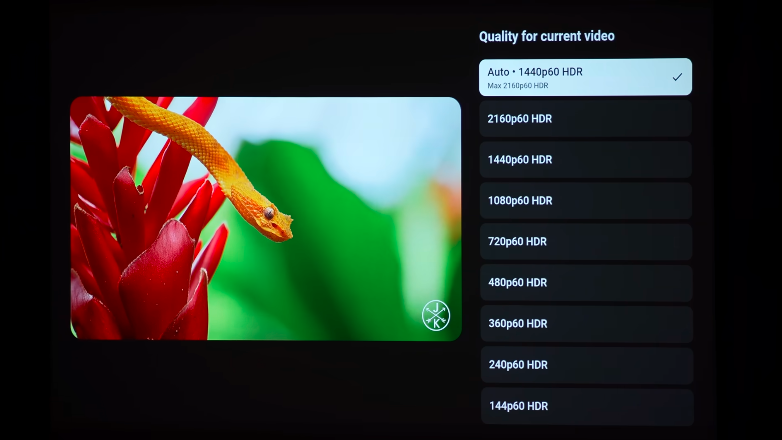
Let’s talk about the display output. The best part is 4K UUltraHD resolution of 3840*2160, 16:9 aspect ratio, and the projection size is 15 inches to 180 inches. You can check that the projection size is so big and the clarity is amazing. And then let’s talk about lumens,forr whichinIn the market, they write 2000-3000 lumens in the cheapest projector.
One is lumens, and otthe her is ANSI lumens. Its brightness is 2600 ANSI lumens. This ANSI is Athe merican National Standards Institute,e which is more reliable and can be exaggerated by showing other lumens numbers. Its contrast ratio is 531:1, which is good according to the projector.
3D Mode:
The biggest highlight of this projector is that it has a 3D mode. You get the 3D mode feature in the picture settings, but how does it work? You must have seen some side-by-side content on YouTube. This type of content is either for 360 or VR headsets, but if you want to watch content with 3D glasses, then it will convert any side-by-side or top-bottom content into 3D.
The experience of the red cyan glasses is very good. This glass gives the same feeling as the one you get in the cinema hall. If you want 3D movies, you can buy them online. And you get a Blu-ray option on top, bottom, left, and right. If you have an external Blu-ray drive or a PlayStation 5 disc edition one, you can also use that.t And you can also use the Blu-ray disc in 3D. And you will definitely need these glasses. Ultimately, the conclusion is that the projector is very good.
Conclusion:
This is the target audience for this projector. You need a good cinematic experience at home. Some people don’t want to go to the theatre. They want to watch OTT. So, you have to take cinematic experience at home. This is the projector for them. Otherwise, TV is not available at this price point. But you can mount it anywhere. It is a safer option.
You can enjoy it and in a projector, 4K, 60, HDR with a GooglT It adds a lot of things, so this was the review of this projector.